
Planner Premium
Risk management in Planner Premium: how it works with OnePlanner
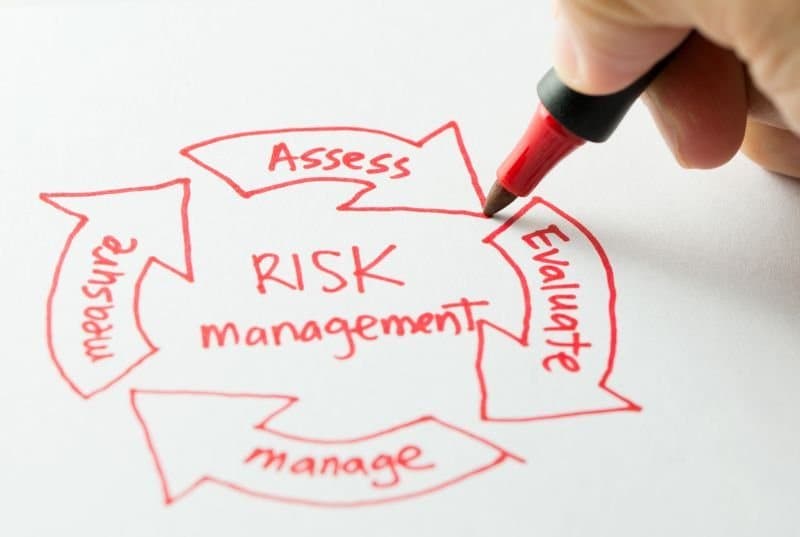
Planner Premium, integrated with OnePlanner, makes it possible to manage risks inside Microsoft 365. Identification, analysis and mitigation move out of side spreadsheets and into the same place where the team tracks its tasks.
What changes with Planner Premium and OnePlanner
Risks recorded in the project
Each risk is created, categorized and rated inside the project, with no external tool.
Owners and mitigation plans
Actions, owners and deadlines are linked to Planner tasks.
Indicators in the schedule
Status, impact, probability and priority appear in the dashboards and schedules the team already uses.
Reports for the PMO
OnePlanner consolidates the information in dashboards for decision-making.
Everything in Microsoft 365
The team stays in the environment it knows, with Microsoft 365 security and collaboration.
When this solution makes sense
- PMOs that need to standardize risk assessment.
- Companies that use Microsoft 365 as their work platform.
- Projects that still track risks in scattered spreadsheets.
- Teams that need to see risks, tasks and indicators together.
What the company gains
- Risk information in one place.
- More traceability about what was decided and by whom.
- Impacts anticipated before the problem happens.
If your company still handles risks outside Planner, this integration is worth a look.
See how ProjectSA does it: Consulting
Frequently asked questions
How do you manage risks in Microsoft Planner?
With Planner Premium integrated with OnePlanner, which adds risk recording, rating and indicators to projects.
Do I need another tool to track risks?
No. OnePlanner brings risks, actions and reports together inside Microsoft 365.
Does the solution replace risk spreadsheets?
Yes. Actions, owners, mitigation and reports are centralized in Planner and OnePlanner.


